
AI Basics · The T.A.L.K. Method · Intro Guide
How to Talk to AI: The T.A.L.K. Method
You don't need 47 prompts or a course. You need four letters and a five-minute conversation.
Most people treat AI like Google. They type “write my cover letter,” get something generic, and decide AI “just isn’t that good.” They’re typing at it instead of talking to it.
Think about how you’d brief a teammate on a group project. You wouldn’t text three words and hope for the best. You’d explain the assignment, say who it’s for, show what a good version looks like, and point out what to avoid. The conversation is the briefing. AI works the same way.
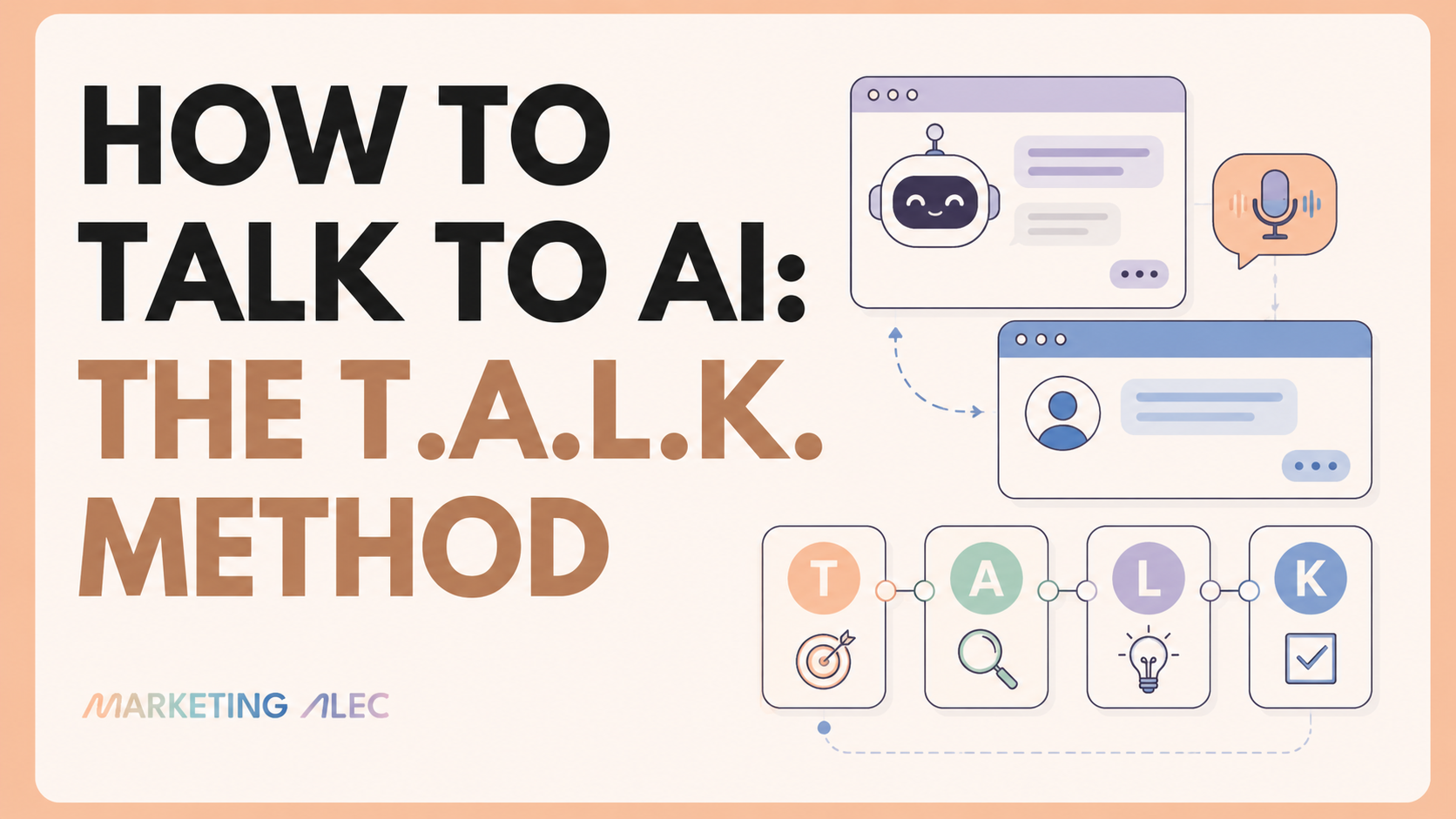
You don’t need 47 prompts or a prompt-engineering course. You need four letters: T.A.L.K.
The T.A.L.K. method at a glance
Pick one AI
ChatGPT, Claude, or Gemini, whichever one you'll actually open.
Talk, don't type
Tap the mic (or press Win+H) and talk it through, the way you'd brief a colleague.
Add your context
Paste a three-line "who I am, who it's for" blurb before you ask for anything.
Lead with what "good" looks like
Show an example, name the real outcome, and flag anything unsure with [VERIFY].
Keep what works
Save the instructions, not just the answer, so you're not starting from scratch every time.
Step 0: Pick your AI
ChatGPT, Claude, and Gemini are all good. The one that wins isn't the one that benchmarks highest. It's the one you'll actually open tomorrow. Google person? Gemini. Live in Microsoft 365? Copilot. Want the best writing partner? Claude. Easiest start? ChatGPT. Pick one and stick with it for a month.
T: Talk, don't type
This is the single biggest shift you can make. Typing feels like search. Talking feels like a conversation. You riff, push back, and it keeps up in real time.
You can start free today:
- ChatGPT: the mic icon dictates your words into text; the waveform icon starts a full spoken conversation. About 2 hours a day on the free plan.
- Claude: voice mode is free in the phone app (roughly 20–30 conversations a day). Great for thinking out loud and working through a problem.
- Windows: press Win+H in any text box and start talking. Free, built in, works everywhere. (On a Mac, Dictation is built in too.)
A: Add your context
Most prompts fail because the AI doesn't know who you are or who you're writing for, so it guesses, and those guesses are generic. Give it three things up front:
- Who you are: "COO at ScaledOn."
- Who it's for: "a recruiter skimming 200+ applications."
- Your rules: "no buzzwords, keep it to one page, no em dash, sound like a real person," plus brand voice rules, style references, output conventions, and review checklists once you have them.
Context is the difference between internet generic and yours.
L: Lead with what "good" looks like
Describing a task isn't the same as defining a good result. Three moves:
- Show an example. Paste something you liked and say "match this." AI is a great mimic and a poor mind-reader.
- Name the outcome. Not "write a blog post," but "the best listicle on budget places to stay around Portsmouth, NH for car camping families."
- Make it flag uncertainty. Add "mark anything you're not sure about with
[VERIFY]." AI states wrong facts as confidently as right ones.
Turn 1 Idea Into 5 Wins (My Micro-Wins Prompt)
A small, copy-paste prompt that does more for a content pipeline than most elaborate frameworks. A concrete example of leading with what good looks like.
K: Keep what works
Here's what separates people who get better at this every week from people who start from scratch every time: they save the instructions, not just the answer.
When something works, keep the recipe, not just the dish:
- Easy: a notes doc with your best context blurbs, ready to paste.
- Better: your tool's built-in memory (ChatGPT Projects, Claude Projects, Gemini Gems) via a project. Set it up once with 10-15 examples and it loads every time, so you explain yourself once instead of every session.
- Best: once you're hooked, turn a task you repeat into a saved "skill," a short file that tells the AI how to do it every time.
STOP Prompting, START SKILLING
The next step after saving a good prompt: turning it into a reusable skill the AI runs the same way every time.
Try it in five minutes
Open your AI
Whichever one you picked in Step 0.
Talk it through
Hit the voice button (or press Win+H) and talk through one real task: a blog post, a cover letter, an email campaign.
Add your context
Who you are, who it's for.
Show it "good"
Give it an example, then add "mark anything you're not sure about with [VERIFY]."
Save what worked
Keep the instructions, not just the answer.
There is no mastering AI. Only testing and talking.
Alec
Go deeper
Claude vs ChatGPT: Stop Choosing. Start Routing.
The full breakdown of which tool wins which job, if you haven't picked yet.
Your Prompts Are Too Short (The Data Proves It)
Why the "A" in T.A.L.K. matters more than most people think.
Why I Talk to ChatGPT More Than I Type
The longer case for making the "T" your default, not just your fallback.
Getting Started with Claude
Picked Claude in Step 0? Here's the non-developer's setup guide to get from account to first real workflow.
Who's behind this? Alec Newcomb, Founder of MarketingAlec and ScaledOn, writes the newsletter this method came from.
Meet Alec →