
Tools & Models · Gemma 4 · Quick Start
Gemma 4 Quick Start Cheat Sheet
Set up a local AI fallback in 30 minutes — so a cloud outage never stops your workflow.
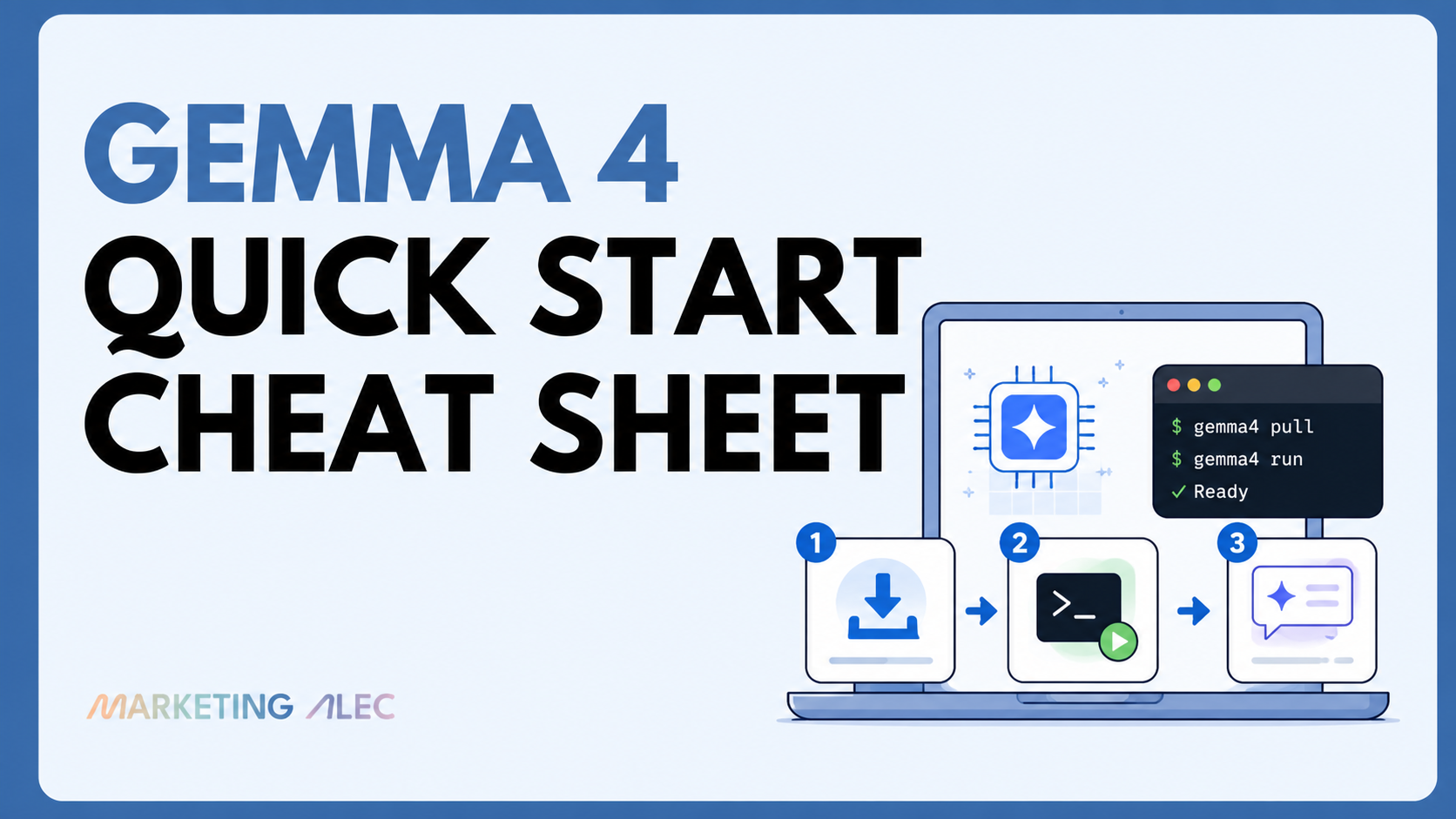
Your local AI fallback in 30 minutes. Companion to “Your AI Has a Single Point of Failure”: MarketingAlec Friday Deep Dive
1. Install Ollama
# macOS
brew install ollama

# Linux
curl -fsSL https://ollama.com/install.sh | sh

# Windows
# Download from https://ollama.com/download
Verify install:
ollama --version
2. Pick Your Model
| Model | Download | RAM Needed | Best For | Speed |
|---|---|---|---|---|
gemma4:e2b |
7.2 GB | 8 GB | Phone-grade tasks, quick Q&A, audio input | Fastest |
gemma4:e4b |
9.6 GB | 8+ GB | Daily driver, email triage, summaries | Fast |
gemma4:26b |
18 GB | 16+ GB | Sweet spot. Coding, reasoning, agentic tasks | Medium |
gemma4:31b |
20 GB | 24+ GB | Maximum local quality, workstation use | Slower |
Start here → If you have 16GB+ RAM: gemma4:26b. Under 16GB: gemma4:e4b.
3. Run It
# Pull and start the model (first run downloads it)
ollama run gemma4:26b

# You're now in an interactive chat. Type your prompt.
To exit the chat: type /bye
4. Essential Commands
| Command | What It Does |
|---|---|
ollama run gemma4:26b |
Start interactive chat |
ollama list |
See downloaded models |
ollama pull gemma4:e4b |
Download without starting |
ollama rm gemma4:e2b |
Delete a model to free space |
ollama ps |
See running models |
ollama stop gemma4:26b |
Stop a running model |
ollama serve |
Start the API server (runs on localhost:11434) |
5. Use It as an API
Ollama runs a local API server automatically. Any tool that supports OpenAI-compatible APIs can point to it.
# Quick API test
curl http://localhost:11434/api/generate -d '{
  "model": "gemma4:26b",
  "prompt": "Summarize this email: [paste email text]",
  "stream": false
}'
Works with: Continue.dev, Open WebUI, LM Studio, any OpenAI-compatible client.
API endpoint: http://localhost:11434
6. What Gemma 4 Is Good At (Locally)
Strong — use with confidence:
- Email drafting and triage
- Document summarization
- Code review and linting
- Content outlining and brainstorming
- Data extraction from text
- Research synthesis
- Image understanding (screenshots, charts, docs)
Decent — good enough for first drafts:
- Blog post drafts
- Social media copy
- Meeting note cleanup
- Translation
Not ideal locally — keep on cloud:
- Complex multi-step agentic workflows
- Tasks requiring tool use / MCP servers
- Long creative writing at publication quality
- Tasks requiring real-time web access
7. Hardware Quick Reference
Mac (Apple Silicon)
| Mac | Unified RAM | Best Model |
|---|---|---|
| MacBook Air M1/M2 (8GB) | 8 GB | gemma4:e4b |
| MacBook Pro M1/M2 (16GB) | 16 GB | gemma4:26b |
| MacBook Pro M3/M4 (18-36GB) | 18-36 GB | gemma4:26b or 31b |
| Mac Studio / Mac Pro (64GB+) | 64+ GB | gemma4:31b (unquantized) |
PC (NVIDIA GPU)
| GPU VRAM | Best Model |
|---|---|
| 8 GB (RTX 3060, 4060) | gemma4:e4b |
| 12 GB (RTX 3060 12GB, 4070) | gemma4:26b (tight fit) |
| 16 GB (RTX 4070 Ti, 4080) | gemma4:26b (comfortable) |
| 24 GB (RTX 3090, 4090) | gemma4:31b |
Minimum System Requirements
- CPU: 6-core modern processor
- RAM: 8 GB minimum (16 GB recommended for 26B)
- Storage: 20-25 GB free for the 26B model
8. Model Specs at a Glance
| Spec | E2B | E4B | 26B MoE | 31B Dense |
|---|---|---|---|---|
| Total params | 5.1B | 8B | 25.2B | 30.7B |
| Active params | 2.3B | 4.5B | 3.8B | 30.7B |
| Context window | 128K | 128K | 256K | 256K |
| Text | Yes | Yes | Yes | Yes |
| Images | Yes | Yes | Yes | Yes |
| Audio | Yes | Yes | No | No |
| License | Apache 2.0 | Apache 2.0 | Apache 2.0 | Apache 2.0 |
| Arena AI rank | — | — | #6 | #3 |
9. Pro Tips
Tip 1: Set a default model
# Add to your shell profile (.zshrc or .bashrc)
alias ai="ollama run gemma4:26b"

# Now just type: ai
Tip 2: Pipe files directly
# Summarize a document
cat meeting-notes.md | ollama run gemma4:26b "Summarize this into 5 bullet points"

# Review code
cat script.py | ollama run gemma4:26b "Review this code for bugs"
Tip 3: Run multiple models
# You can have different models for different tasks
ollama run gemma4:e4b   # Quick tasks
ollama run gemma4:26b   # Heavy lifting
Tip 4: Image input
# Gemma 4 understands images natively
ollama run gemma4:26b "What's in this screenshot?" --images ./screenshot.png
10. Your Fallback Checklist
- [ ] Ollama installed and running
- [ ] Gemma 4 model downloaded (pick your size)
- [ ] Tested on a real task from your workflow
- [ ] Identified 3 tasks to offload when cloud AI is down
- [ ] Set up shell alias for quick access
- [ ] Bookmarked Ollama model library: https://ollama.com/library/gemma4
Source: Ollama Gemma 4 | Google DeepMind | HuggingFace
MarketingAlec — Skip the AI hype, get AI results.