
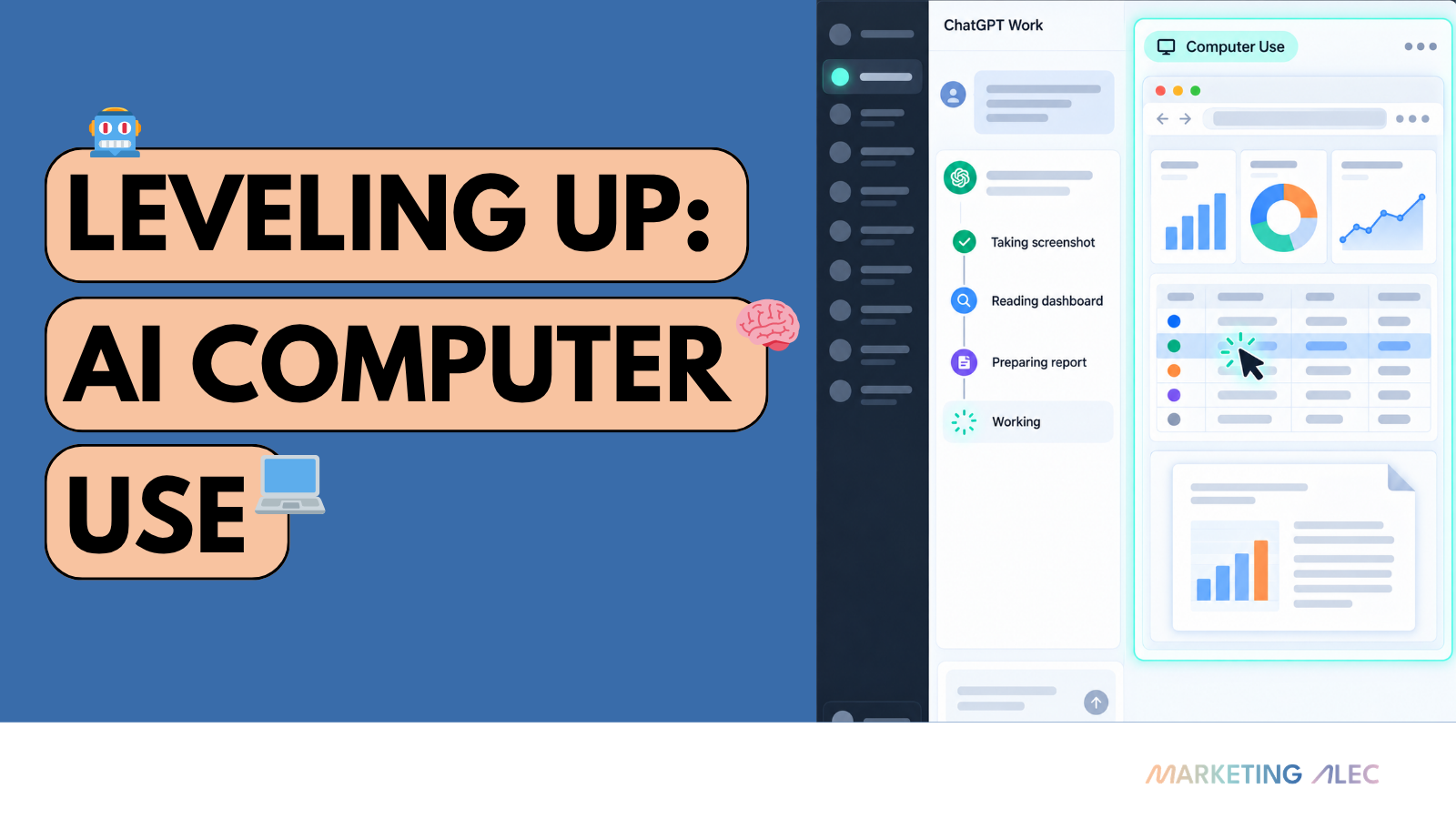
I see a lot of negative comments about ChatGPT Astra and Claude Fable on social media.
I’m going back to (insert old AI) because (new AI) does not work as well, said the person who is unwilling to change.
My pile of skills was holding me back. My super-detailed instructions were even worse. I was loath to give them up.
OpenAI spent north of a billion dollars to train Astra, and it’s better. If you’re not getting the output you expect, your setup—your harness—or older workflows are likely holding you back. The same idea applies across AI marketing automation: changing the model without changing the workflow leaves most of the improvement on the table.
Don’t believe me. Go test it for yourself.
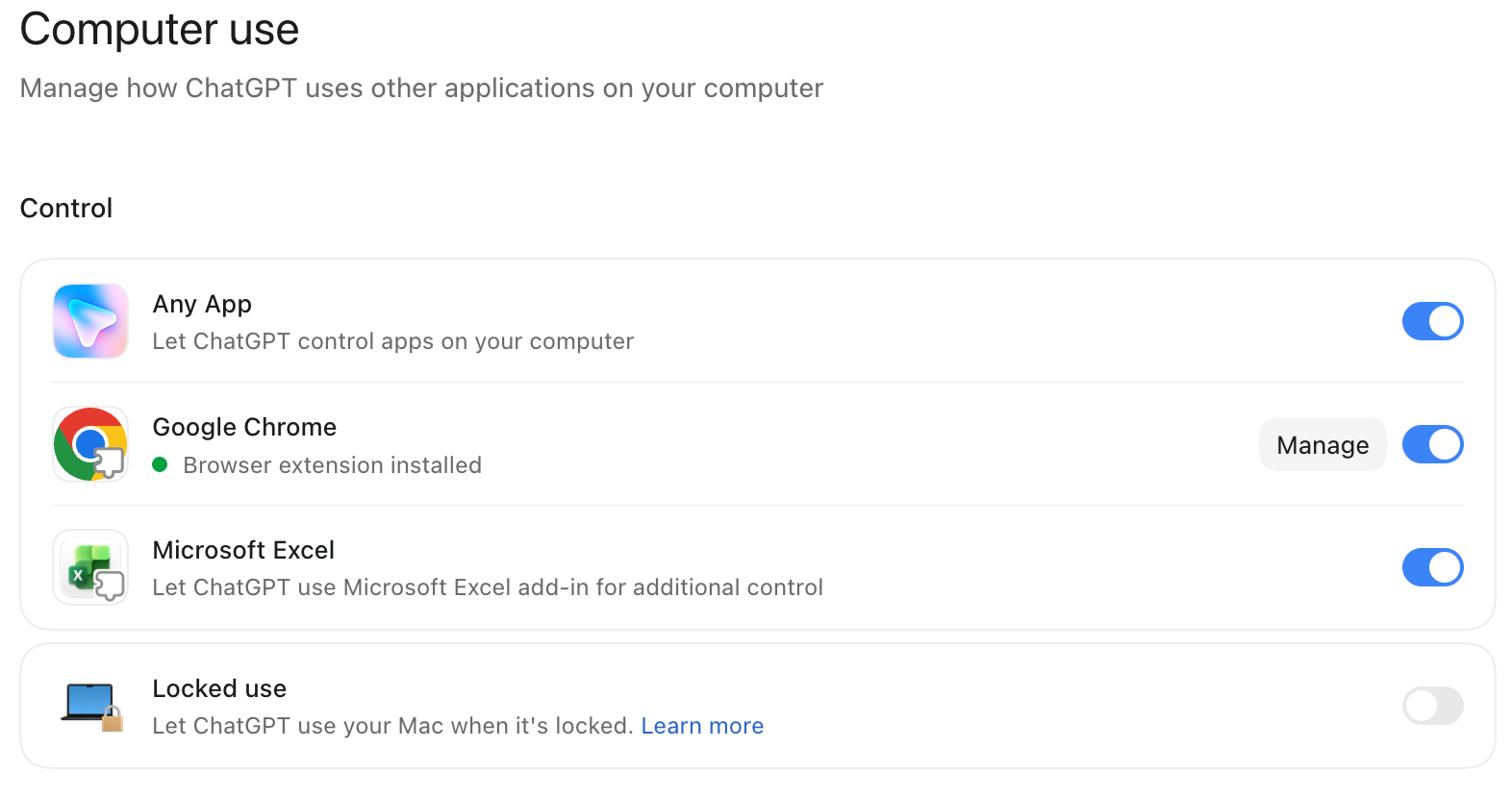
Turn on Computer Use
Go into your ChatGPT settings and turn on Computer Use.
Then watch Futurepedia push it hard:
Try it on work you already hate
Pick one thing you hate to do that can be handled in a browser on your computer. Here is mine. Paste this into ChatGPT:
@computer Automate the following workflow:
-
Load all SEO-related CSV files from
/data/exports, including available exports from Google Search Console, Google Analytics, Screaming Frog, and WordPress. -
Clean and standardize the data:
- Handle missing or invalid values.
- Remove duplicate records.
- Normalize URLs, domains, dates, keywords, country and device labels, and numeric formats.
- Preserve source attribution so every metric can be traced to its original file.
- Identify files or columns that cannot be interpreted reliably instead of silently discarding them.
-
Using the open Chrome tabs with Google Analytics and Google Search Console, analyze SEO performance, focusing on:
- Organic clicks, impressions, CTR, sessions, conversions, and rankings.
- Period-over-period changes and meaningful trends.
- High-impression keywords and pages with low CTR.
- Keywords ranking within striking distance of page one.
- Traffic and ranking gains, losses, and emerging opportunities.
- Content decay, cannibalization, technical SEO issues, and backlink changes when the data supports those conclusions.
- Differences by page, query, device, and search intent.
-
Create clear visualizations for the most important trends and opportunities. Every chart must include a title, labeled axes, date range, metric definition, and source.
-
Produce a polished PDF report written for my marketing team. Structure it as:
- Executive summary
- What changed
- Why it matters
- Notable winners and losers
- SEO opportunities
- Recommended actions, prioritized by expected impact and effort
- Data limitations and methodology
-
Keep the writing concise, practical, and accessible. Distinguish observed facts from interpretations, avoid unsupported causal claims, and cite the underlying metric or dataset for every major insight.
-
Verify that the PDF was created successfully, opens without errors, contains the expected sections and visualizations, and report its final file path. Do not overwrite an existing report.
Resources
- If you use Claude instead of ChatGPT: three ways Claude can use a computer.
- If you’re just getting started with Astra: the GPT-6 Astra quick-start checklist.
Have fun. Computer use plus a well-thought-out workflow equals a happier you.