
Tools & Models · Slash Commands · Cheat Sheet
Top 10 Slash Commands for ChatGPT and Claude
The slash commands that actually save time in Claude and ChatGPT, plus the full cheat sheet with every command, quick starts, and tips.
Type / into Claude or ChatGPT. A command list pops up. Most people close it and go back to typing full sentences.
That's the mistake. Every prompt you type is a sentence the model has to parse for intent. A slash command skips that step entirely, it's a direct instruction, not a request the model has to interpret. Switching models, planning before a risky task, freeing up context before a session slows down: all of that is one keystroke away, not a paragraph of "can you please."
Claude and ChatGPT don't share the same command set, and neither publishes a clean side-by-side list. So here are five from each tool worth learning today, the ones that change how a session actually goes, not just the ones that sound interesting.
Already sold? Skip to the full cheat sheet →
STOP Prompting. Start DELEGATING to AI.
Commands make each turn faster. The next step is handing off whole outcomes instead of managing turn by turn.
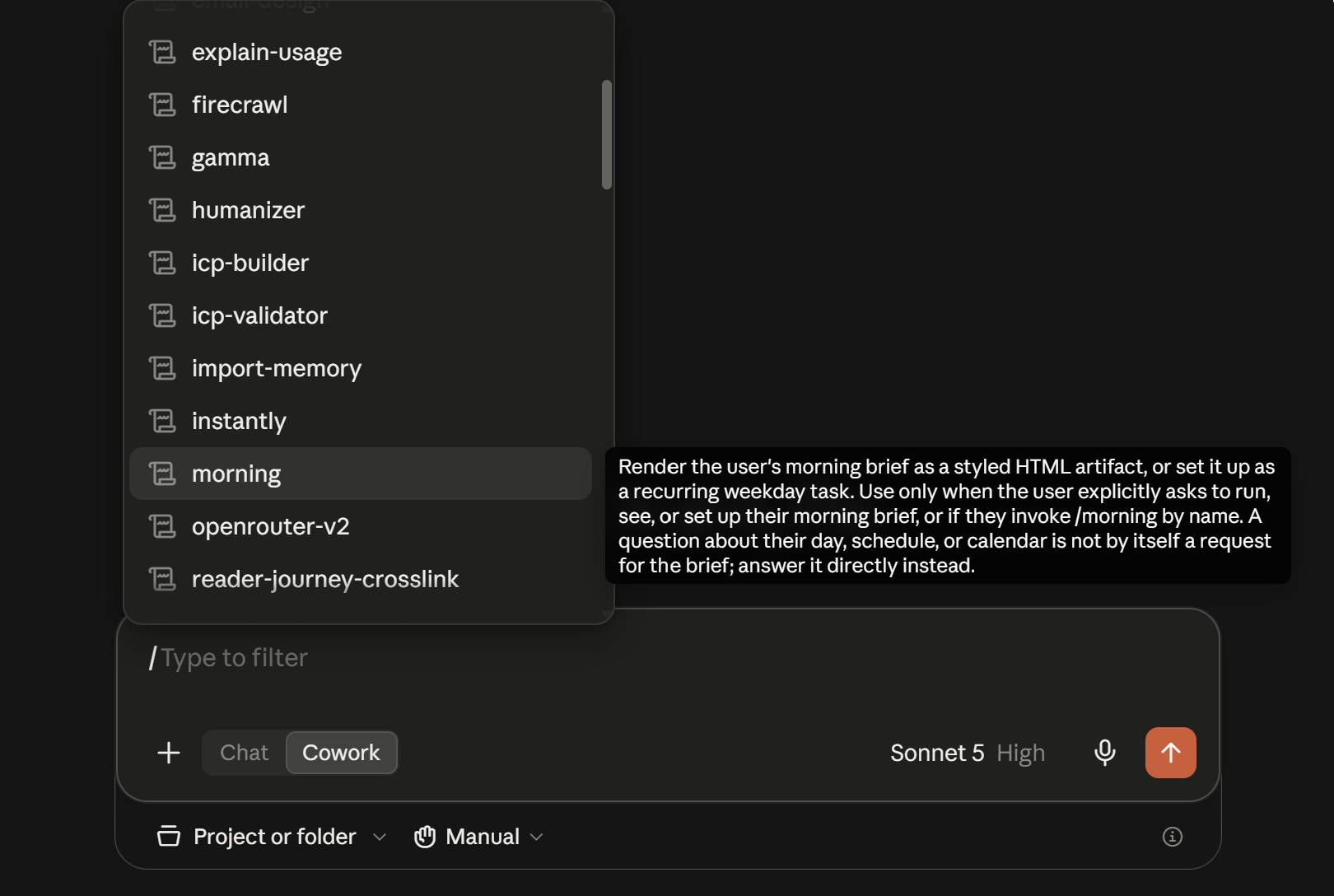
Claude slash commands
| Command | What It Does | How To Use It |
|---|---|---|
/model | Switch the active model for this session | /model to open the picker, or /model <name> to jump straight to one (e.g. opus) |
/compact | Summarize the conversation to free up context | Run /compact any time, or /compact <instructions> to steer what's kept |
/goal | Set a completion condition to work toward across turns | /goal <condition> to set it, /goal clear to remove it, pairs well with /plan |
/plan | Have Claude propose a plan before making changes | /plan <task> before a risky edit or refactor, then approve or adjust it |
/clear | Wipe the conversation and start over with empty context | Run /clear for a blank slate, history isn't recoverable after |
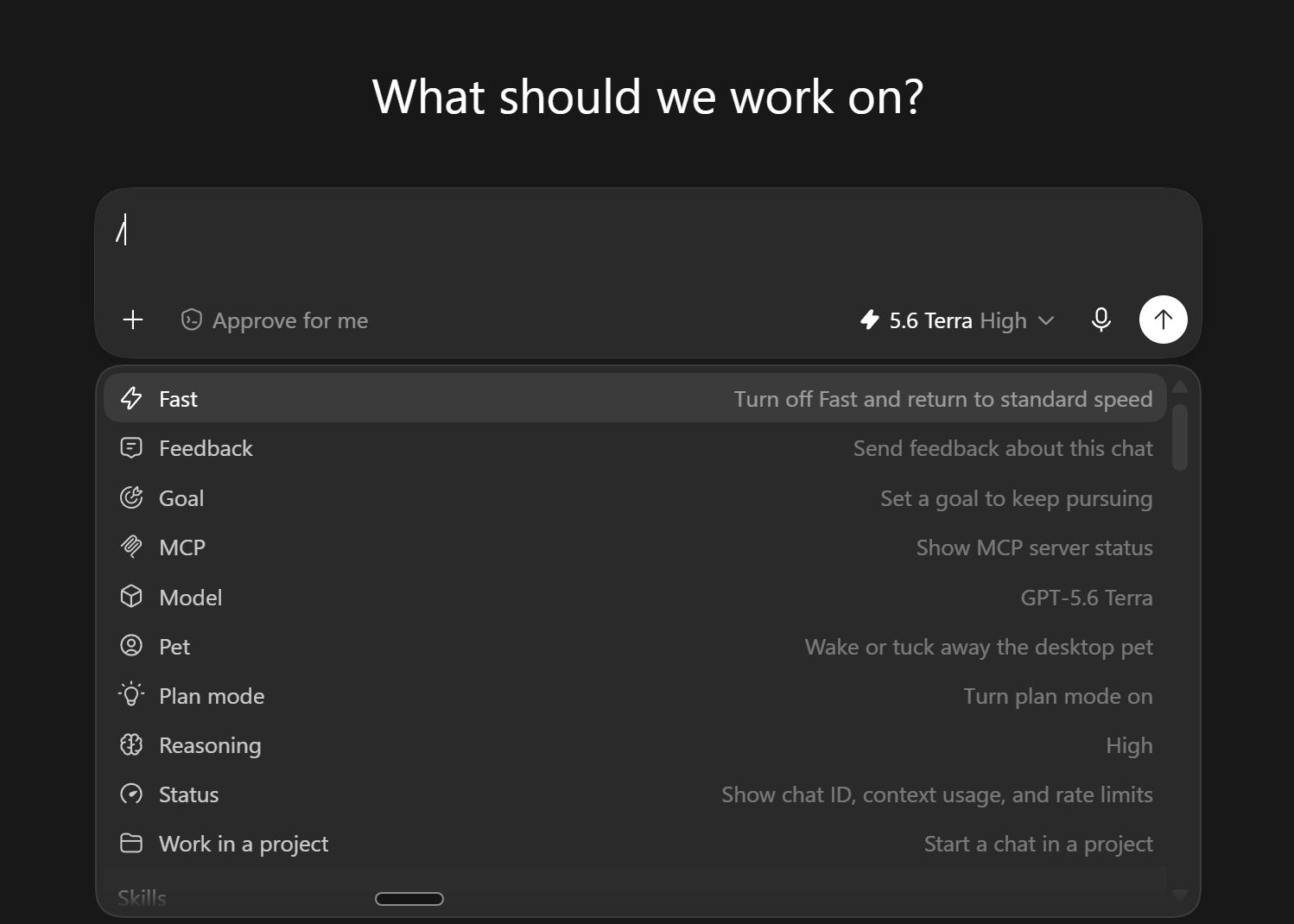
ChatGPT slash commands
| Command | What It Does | How To Use It |
|---|---|---|
/model | Pick the model for this chat | Run /model, then choose from the list (e.g. gpt-5.4, gpt-5.5) |
/compact | Shrink context once a session is running long | Run /compact mid-chat once things feel slow or repetitive |
/goal | Set a persistent goal to work toward | Run /goal, then describe it, pair it with /plan first to shape the goal |
/plan | Toggle multi-step planning mode on or off | Run /plan before a multi-step task to have it plan first |
/status | See chat ID, context usage, and rate limits | Run /status any time to check where the session stands |
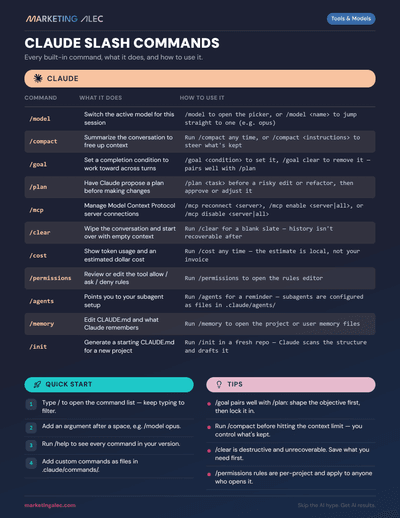
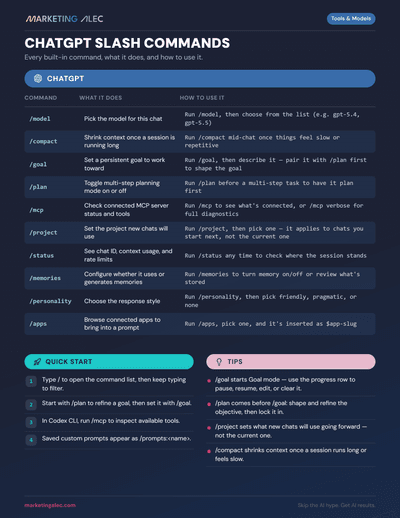
Get the rest of the slash commands
These 10 are just the start. Get the full cheat sheet, every command for both tools, plus the quick-start steps and tips, and keep it handy while you work.
Getting Started with Claude
The non-developer's setup guide, from account to first real workflow.
The Marketer's Guide to ChatGPT Work
What ChatGPT Work actually is and how to put it to work on real marketing tasks.
Who's behind this? Alec Newcomb, Founder of MarketingAlec and ScaledOn, runs both tools daily on real client work.
Meet Alec →